

A clear explanation of spatial creaiton processes in AR
Creating spatial content requires sourcing assets, deciding on a deployment device, building a layout and publishing AR content to users. This process can include modeling, texturing, interaction design, anchoring, and assembling full AR experiences.
Spatial content starts with assets. A creator can incorporate models through traditional 3D modeling (Blender, Maya), industrial CAD, game pipelines, or new AI-based model generation tools. To work in AR, these models must be optimized for runtime performance. They often need to be optimized to achieve a target polycount, have efficient PBR materials, and clean UVs. Assets are exported as GLB files are the ideal format for augmented reality 3D models.
To deploy AR content, users need a device that understands and interacts with the spatial environment. AR Headsets and mobile devices use SLAM, LiDAR and other camera systems to build a world mesh and anchor content to the space. Interactions rely on 6DoF movement, Eye tracking, gestures or taps.
Deciding on a creation tool is also a key part of the picture. This decision is based on the level of complexity you want for your project. Unity is a good choice for pro developers who want complete control and customization. Trace is a great choice for creators who want to build robust AR experiences that can include immersive, persistent and interactive content without needing to code.
A good spatial creation process results in high-quality and engaging AR experiences. Without clean models, lighting will look incorrect. Without mesh optimization, frame rate will drop. Without correct anchoring objects will drift. And without thoughtful interaction, design scenes will feel overwhelming rather than intuitive.
Understanding best-in-class content pipelines can ensure high-quality content that can be made easily by anyone. 3D AI tools like Rodin, Meshy and Tripo AI can enable fast asset creation while the Trace Library can be even faster with pre-built collections of optimized assets that are already polished for AR.
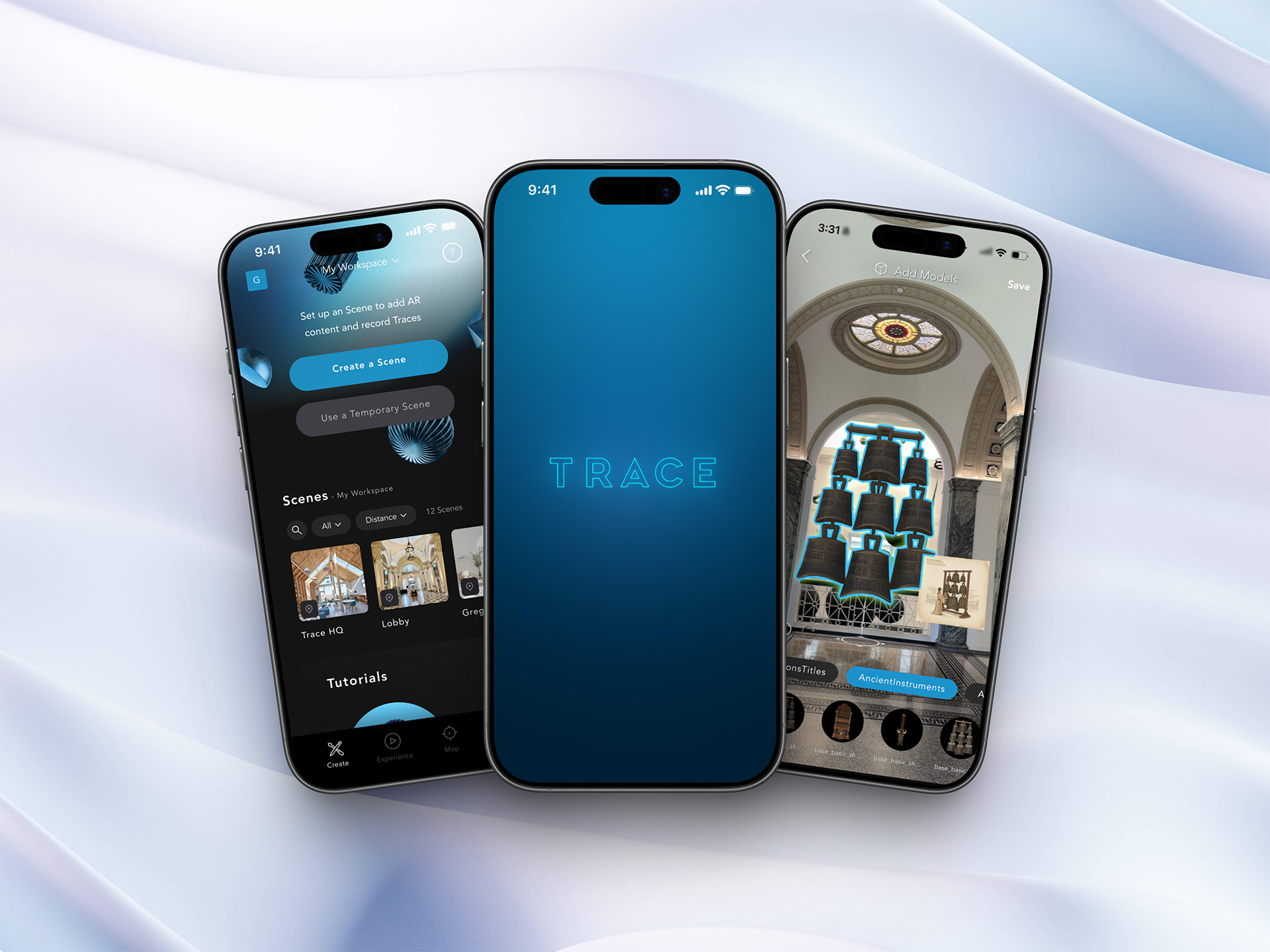
Spatial deployment and publishing can also be streamlined by using the Trace Creator App to place AR content in your space and the Trace Studio can be used for advanced interactions and project management. These tools automate and shortcut the process by ensuring that tracking, occlusion, anchoring and deployment to devices are all taken care of without any prior expertise.
Spatial creation must be carefully set up so the results can be effective.
Content must be optimized.
High poly assets, slow performance, unrealistic textures can break immersion. Materials should use proper PBR maps, simple lighting assumptions, and efficient files.
Interactions must match the device.
Headsets allow for gaze and gestures. Phones use touch and tap. Some experiences like the Meta Quest use controllers. Designers must consider the different devices and ergonomics carefully.
Persistence should be reliable.
Image anchors should have clear features, and your environment should minimize changing conditions like reflections and shadows
Environment matters.
Scenes should complement a room's lighting surfaces and scale. Integrating digital content with occlusion and shadows can help content feel grounded with the physical environment. Most of these effects come standard with Trace.
• A gaming studio exporting optimized models from Blender, applying PBR textures, and importing those assets into an AR app.
• An industrial design team converting CAD files into clean GLB assets for training and inspection tools.
• A museum using the Trace Library to gather 3D models for an AR exhibits that layer media, narration, and 3D artifacts into their space.
• Not all 3D models will work in AR. They need to be optimized and the proper file formats for real-time graphics.
• AR scenes need more than 3D models. They require tracking, interactions, and thoughtful UX.
• A powerful headset does not remove the need for efficient assets.
Spatial creation processes combine asset collection, interaction, layout, and spatial logic into a coherent workflow. Whether built through game engines or no-code platforms like Trace, the goal is the same: content should feel natural, responsive, and ready for the real world.
Learn about augmented reality or start creating your own experiences.